
The Cobbler's Children Have No Shoes
We help businesses automate and systemize their operations for a living. We build custom software, integrate APIs, and deploy AI solutions. But when it came to our own website? We had exactly zero blog posts.
Not because we had nothing to say. The opposite. We experiment constantly — building autonomous dev agents, real-time messaging platforms, SaaS tools, and client automation pipelines. We just never had time to write about it.
It's called the Cobbler's Children paradox. The shoemaker's kids go barefoot because the shoemaker is too busy making shoes for everyone else. We were so deep in the work that the outside world had no idea what we actually knew.
That had to change.
The Goal: Content That Practically Writes Itself
We didn't just need a blog. We needed a system that would make publishing as frictionless as possible. Here's what we wanted:
- A real CMS built into our existing website — not WordPress, not a third-party service
- Multiple content types — articles, case studies, guides, and announcements, each with their own structure
- SEO baked in — not just for Google, but for AI search engines too (ChatGPT, Perplexity, Google AI Overviews)
- An MCP server so AI agents can create, edit, and publish content directly from Claude Code
- An admin portal where human writers can collaborate, with role-based permissions
Ambitious? Sure. But we had a secret weapon.
Designing the System With AI
We sat down with Claude (the AI, not a person named Claude) and started brainstorming. The entire design session was collaborative — we'd state what we wanted, Claude would propose approaches with tradeoffs, and we'd decide together.
Within 30 minutes we had locked in:
- Architecture: CMS built into our existing Express + React + PostgreSQL stack. No new servers, no new databases.
- Four content types with distinct templates: articles, case studies (with client/challenge/solution/results fields), guides, and announcements.
- TipTap rich text editor with Notion-style slash commands for fast writing.
- Google OAuth with invite-only access and two-tier permissions (admin + writer, with granular overrides).
- Server-side rendering for blog pages so search engines see full content immediately.
- Schema.org structured data on every page, plus an
llms.txtfile for AI crawlers.
We even used a visual companion tool to review mockups of the admin dashboard and article editor in real time.
Building 25 Tasks in Parallel
After the design was approved, Claude generated a detailed implementation plan — 26 tasks across 6 phases. Then something interesting happened.
Instead of building one file at a time, Claude dispatched specialized subagents to implement independent tasks in parallel. Each subagent received exactly the context it needed, built its piece, ran self-review, and committed.
Here's what was built:
Backend (Express)
- Database schema with Drizzle ORM — users, articles, and media tables
- Google OAuth with Passport.js — invite-only, with JWT tokens for API access
- Permission system — role-based defaults with per-user granular overrides
- Full CRUD API for content management
- File upload handler with image validation
- SEO analyzer that scores content 0-100
- Schema.org JSON-LD generators for Article, HowTo, and FAQ types
Frontend (React)
- Admin portal with sidebar navigation
- Dashboard with stats, quick actions, and recent activity
- TipTap article editor with formatting toolbar and slash commands
- Publish sidebar with status management, tags, SEO panel, and image uploads
- Media library, user management, and settings pages
Public Blog (SSR)
- Server-rendered blog listing and article pages
- Full meta tags, Open Graph, and Twitter Cards
- Auto-generated
sitemap.xmland RSS feed llms.txt— a machine-readable content index for AI crawlers
MCP Server (Standalone)
- 12 tools: authenticate, create/edit/publish/unpublish/list/get/delete articles, upload/list media, analyze SEO, view profile
- Browser-based Google OAuth — click authenticate, sign in, done
- Works from any Claude Code session globally
Total: 43 files, 7,372 lines of code, 19 commits.
The Meta Moment: This Article Was Published by AI
Here's where it gets fun. This very article was written and published using the system we just built.
From inside Claude Code, we ran:
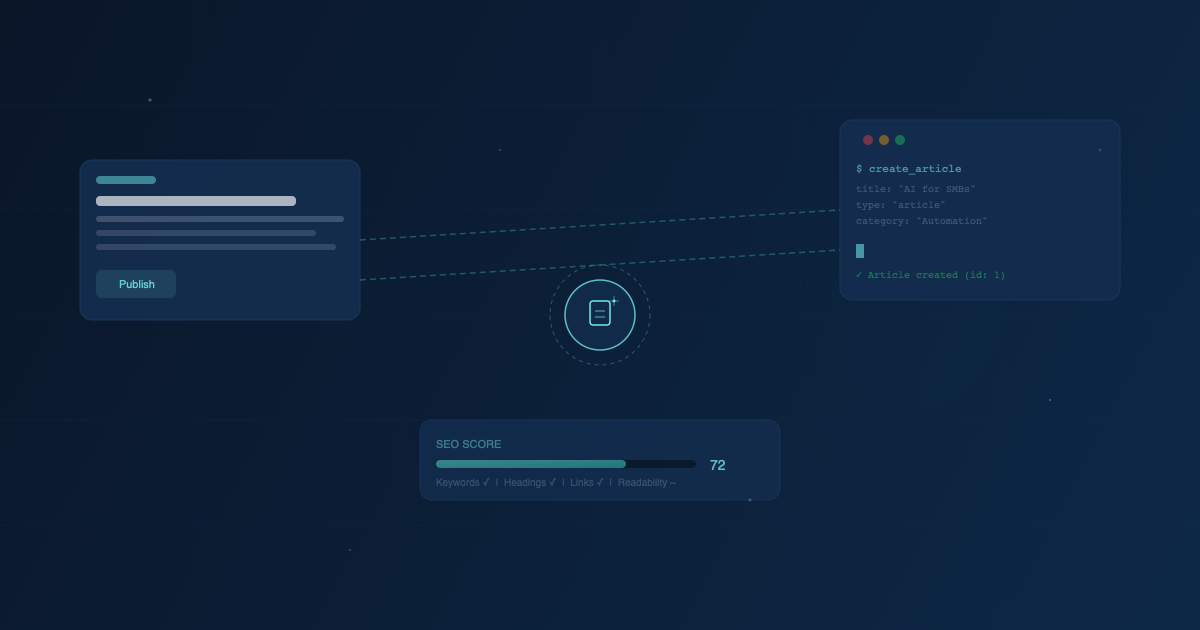
authenticate— opened the browser, signed in with Googleupload_media— uploaded the hero imagecreate_article— wrote this entire article with HTML content, tags, and SEO metadatapublish_article— made it live on dovito.com
No copy-pasting. No switching between tools. The AI wrote the content and published it through the same system it helped build.
What This Means for Our Clients
This isn't just about Dovito's blog. The same approach works for any business:
- Build what you need, not what you're told. We didn't need WordPress. We needed a system that fit how we work — with AI agents as first-class content creators.
- AI makes ambitious projects practical. A custom CMS with admin portal, SEO optimization, and an MCP server sounds like a month of work. We did it in one session.
- Invest in systems, not heroics. One well-built pipeline produces more content than ten late nights of manual writing.
If you're a business that knows more than your website shows, you have the same problem we had. The knowledge is there. The experience is there. You just need a system that makes sharing it effortless.
That's what we build.
Want to See It in Action?
The CMS admin panel is live at dovito.com/cms. The MCP server is available to our team via Claude Code. And this blog — the one you're reading right now — is the first of many.
If you want to explore how AI-powered automation can transform your business operations, let's talk.